Updated 2/6/2026
Education User Manual/Participants
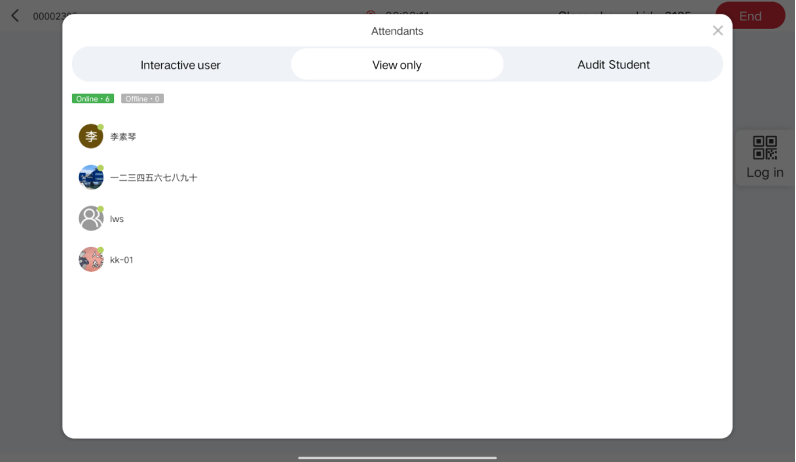
In Discussion Mode, click "Attendants" you can check the attendants in the online session.
Equipment Detection
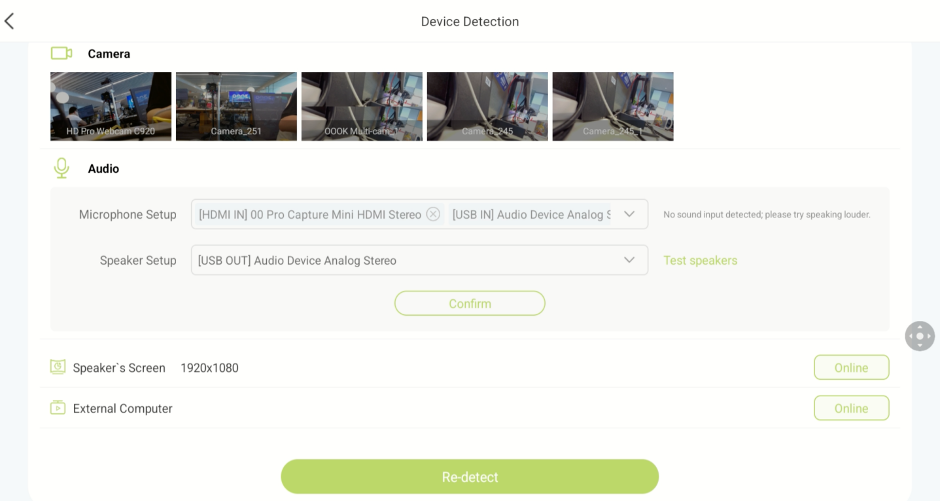
Here, you can check the connection status of various devices such as cameras, microphones, and speakers. You can also verify if the main screen, overhead screens, and external computers are connecting normally. If you are having audio issues, you can select a microphone or speaker and adjust its sound settings. This is shown in the figure below:
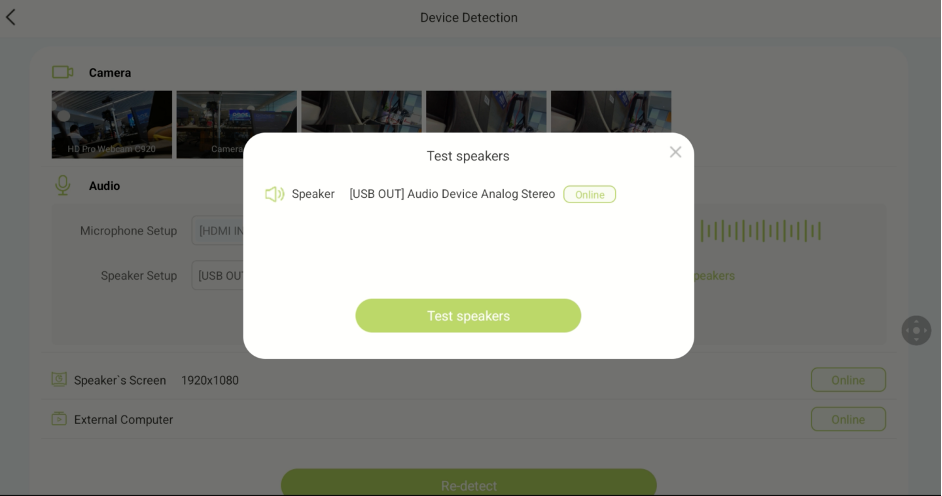
You can test the speaker from the Control Tablet. The speaker will play a test sound; if you can hear it, the speaker is operating normally. If you cannot hear the sound, you will need to check the connection status of the speaker or reset its audio settings.