Updated 2/6/2026
Conference User Manual/Joining Other Meetings
If you would like to join a meeting in another conference room, simply click "Join a Meeting" from the homepage.
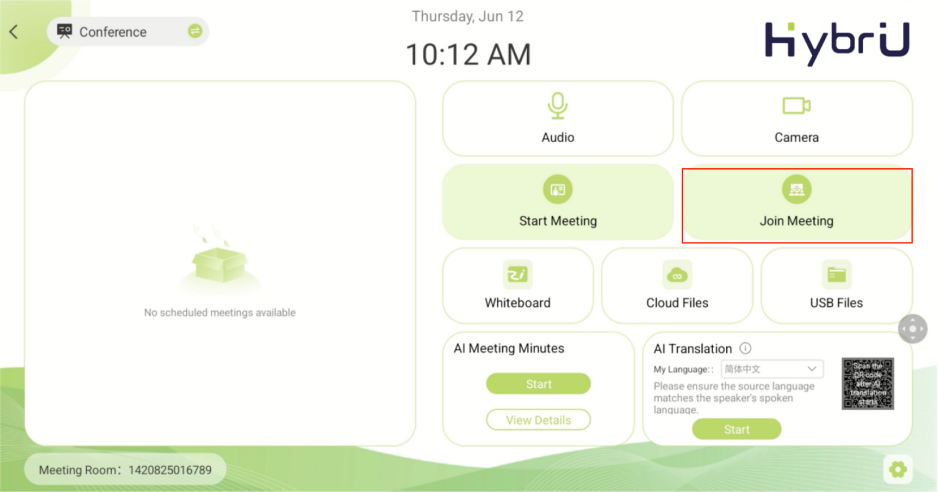
After clicking "Join Meeting":
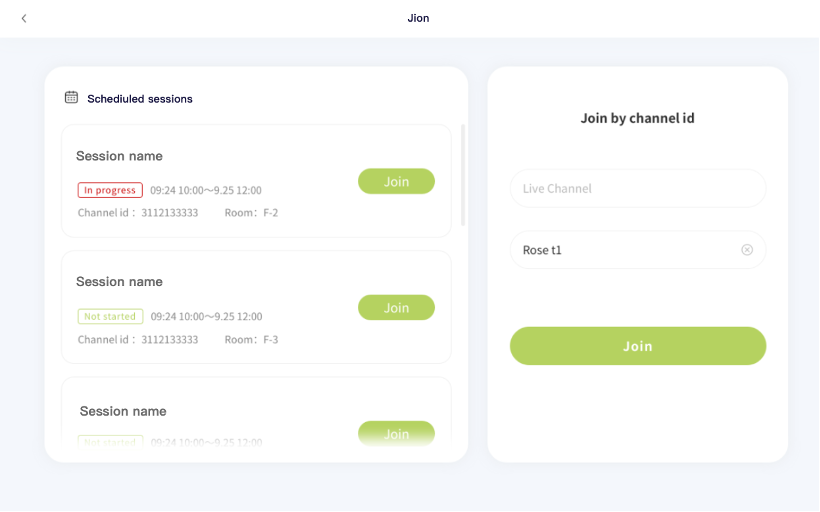
1. On the left, you will see a list of other active or scheduled meetings from your organization. You can select and join an existing meeting from here.
2. If you would like to join a remote HybriU LIVE meeting or a meeting from another organization, enter their Channel ID on the right.
After joining a meeting, the screen of the meeting will be displayed on the large screen of your conference room.
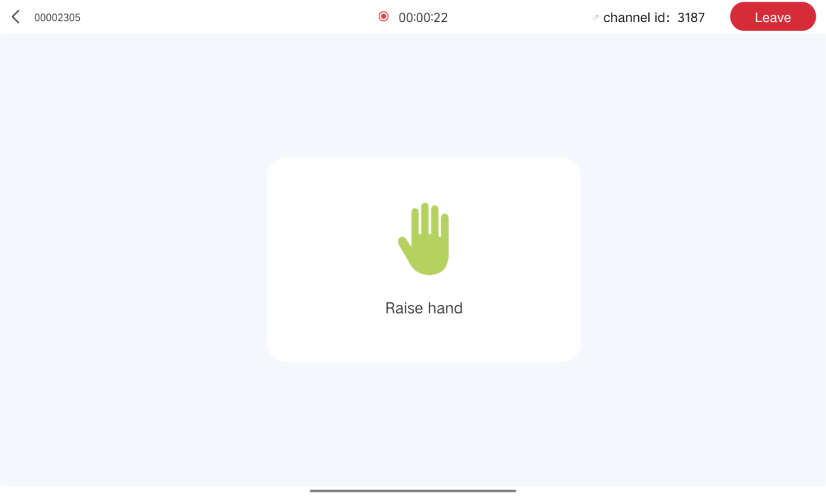
If you would like to interact with the main conference room via audio or video, click the "Raise Hand" button to alert the speaker. If the main conference room sets you as an “Interactor”, you will be able to communicate and interact with other participants in the meeting.