Updated 2/6/2026
Education User Manual/Resources
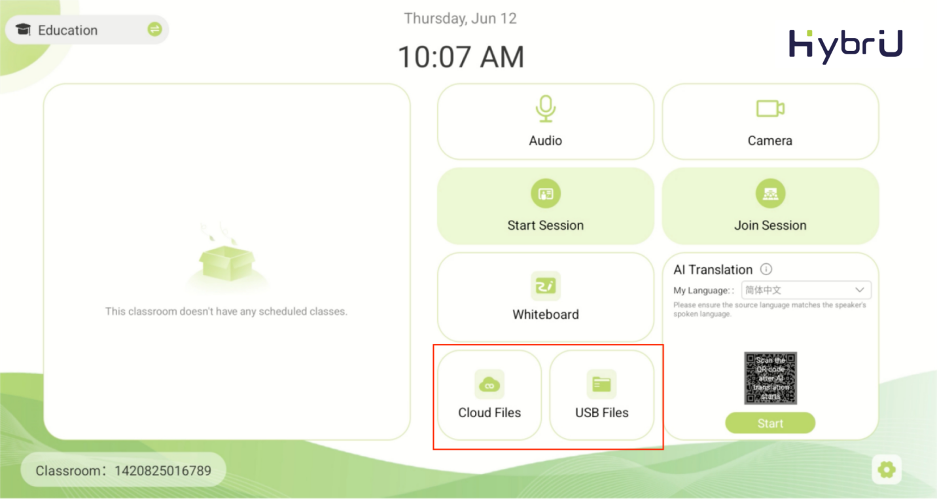
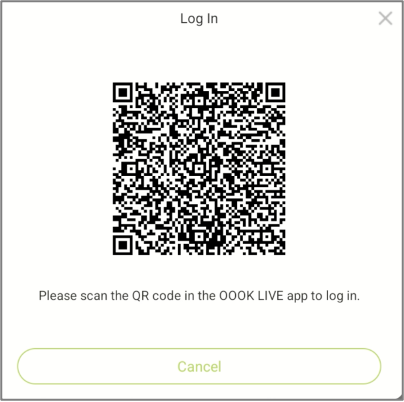
In the Resource Center, you can access both [Cloud Files] and [USB Files]. After clicking [Cloud Files], you will need to use the OOOK LIVE app to scan the QR code and log in. This will allow you to access both the personal resources associated with your account and the corporate files of the company to which your UniBox belongs.
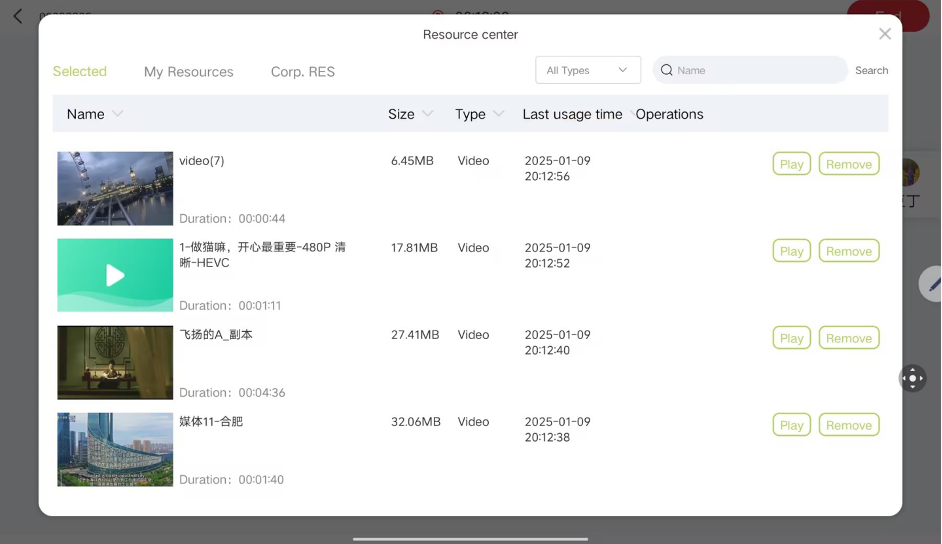
Click [USB Files] to access files stored on the USB drive inserted into the control panel. Please note that selected files will need to be uploaded and parsed before they can be used.