Updated 2/6/2026
Education User Manual/Camera Management
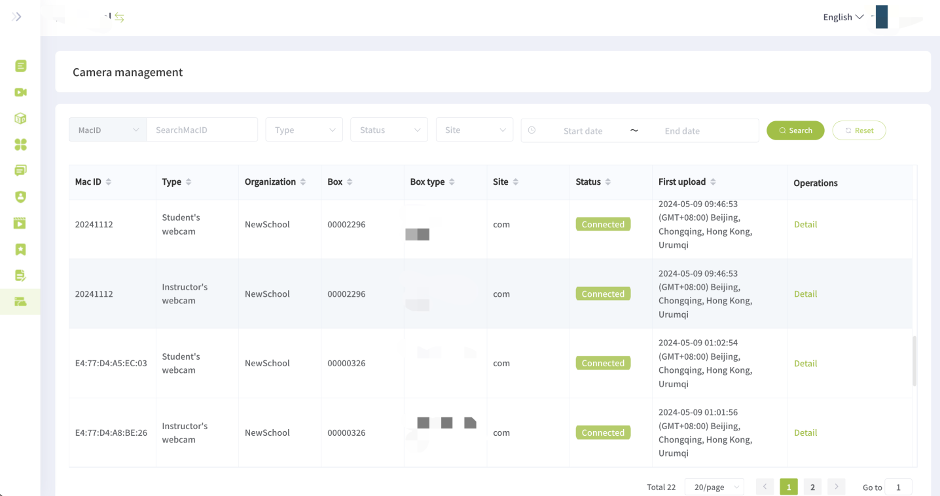
View and manage all classroom or student cameras from one place.
1. Camera List: View information about each camera, such as its connection status and associated HybriU UniBox.
2. Add a new camera: Add a camera into the system (This is usually completed by our technical staff.)
3. AI Camera: You can delete the AI camera and add it again if needed.