Updated 2/6/2026
Conference User Manual/Other Conference Systems
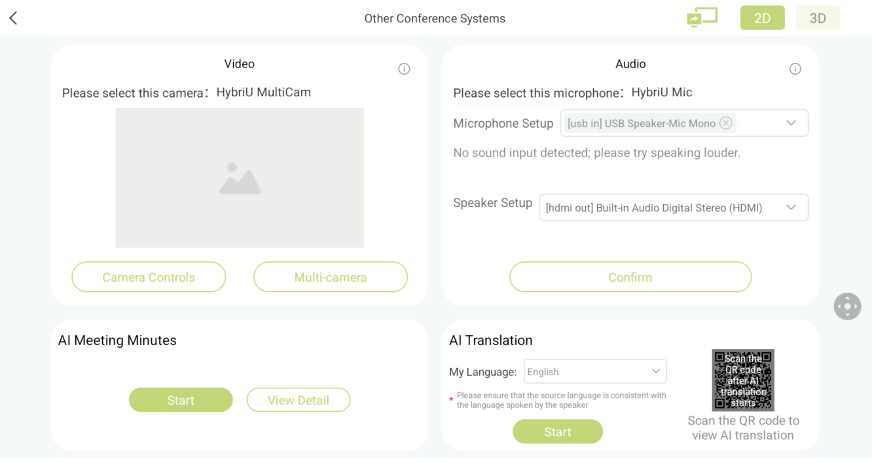
After entering [Other Conference Systems], you can use the following functions:
1. Use the custom [HybriU Multi-Cam] camera and the [HybriU Mic] microphone on your PC.
You will need to connect one end of the [Multi-Camera Extender] to the [HybriU UniBox], and the other end to the PC.
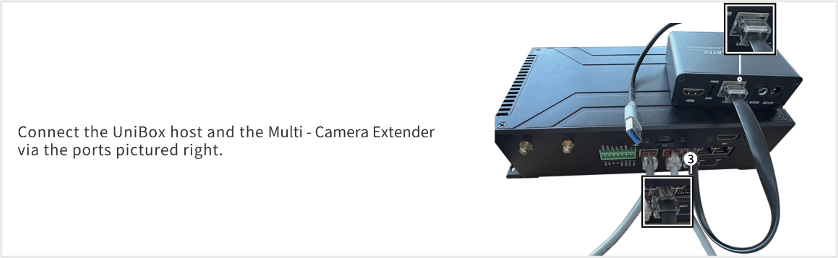
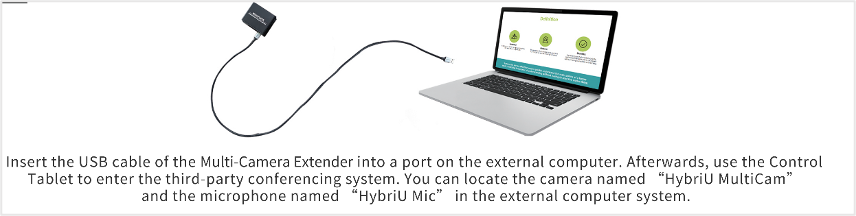
Once connected, you will be able to use the above camera and microphone in other conference systems, such as Zoom, Google Meet, and Teams.
2. AI Meeting Minutes
If you would like to hold a meeting using another conference system, but would also like to record the discussion between yourself and the participants of the meeting, you can use the [AI Meeting Minutes] function.
Start Meeting Minutes
Select the source language of the audio, and ensure that it is recorded at an audible and consistent volume. Then, click "Start Using" to turn on the function.
Meeting Minutes in progress
While a meeting is in progress, you can switch between dozens of different languages. This page supports scanning QR codes to log in. After logging in, the content of the AI Meeting Minutes will be automatically synchronized to the personal account. The Meeting Minutes in progress appears as follows:
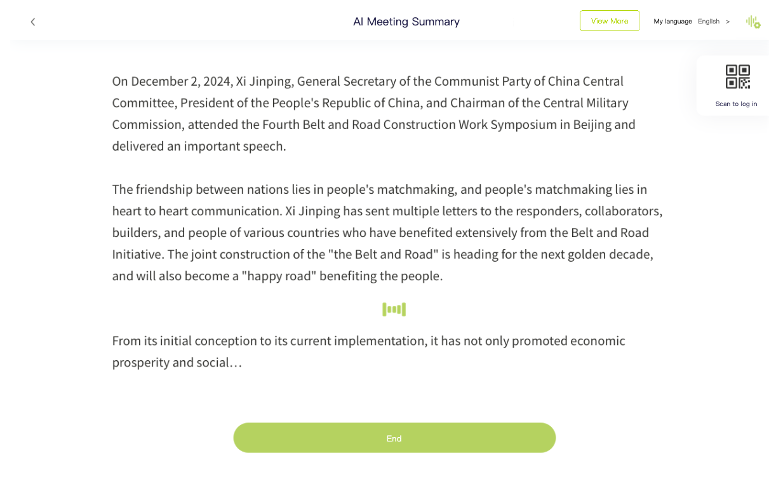
Click to view more to view historical meeting minutes and details。
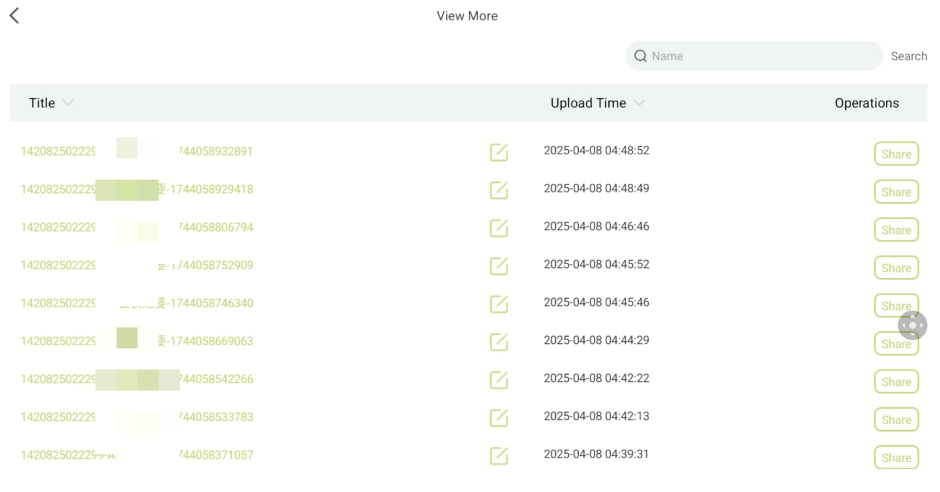
End:
Manual End: Click the "End" button manually to end the summary.
Automatic End: If there is no voice detected within a set time period, the service will automatically end. Alternatively, the service will end when the summary reaches the upper limit of the package.
3 AI Translation
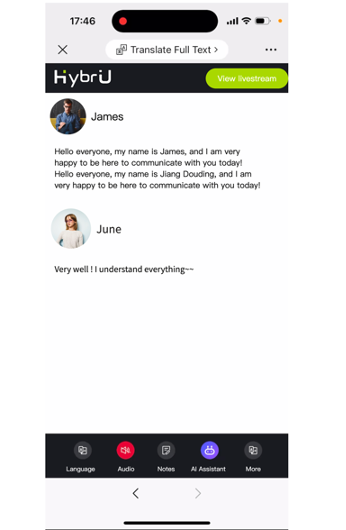
After clicking start, scan the QR code to enter the AI Translation assistant page, where you can watch subtitles and simultaneous interpretation in dozens of languages